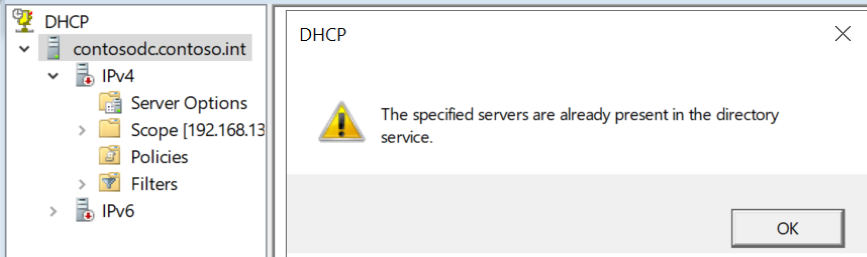
This will be a brief blog, as I am certainly not a DHCP expert or day-to-day administrator. I do, however, run a DHCP server on Windows Server 2019 constantly in my lab environment, but sometimes encounter a problem whereby the server is no longer authorised, and when I use the GUI to do so, I get the error the specified servers are already present in the directory service.
The PowerShell I use to resolve this does the following:
- Gets the Active Directory DHCP server object of the server it executes on
- Removes that server from Active Directory (fixing the fact the server is already present, from the error)
- Authorises the server in Active Directory
You must review and test this before running in your own environment; I can only post what works for me and leave it to you to confirm it’s suitable.
Get-DhcpServerInDC | Where-Object DNSName -EQ (([System.Net.Dns]::GetHostByName(($env:computerName))).Hostname) | Remove-DhcpServerInDC ; Add-DhcpServerInDc -DnsName (([System.Net.Dns]::GetHostByName(($env:computerName))).Hostname)
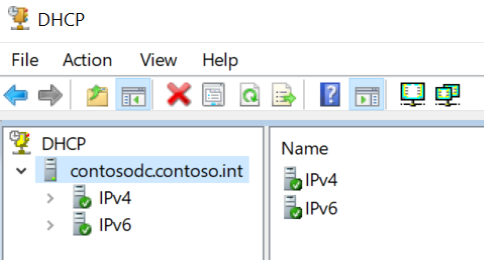
Now, the DHCP server is authorised.
Hope this works for you! Best to check the results of Get-DhcpServerInDC and its Where-Object filter are what you expect before piping it over to Remove-DhcpServerInDC.